
For better security and protection of your Movaci owned services and passwords, we highly recommend all Movaci customers to enable Two-Factor Authentication on their my.Movaci account.
While Movaci still allows a choice for customers to enable this feature or not, we most likely will enforce the use of Two-Factor Authentication in the near future to protect your passwords.
To check the status of and enable Two-Factor Authentication: -
- Login to https://my.movaci.com.
- Expand your user account menu.
- Select Security Settings.
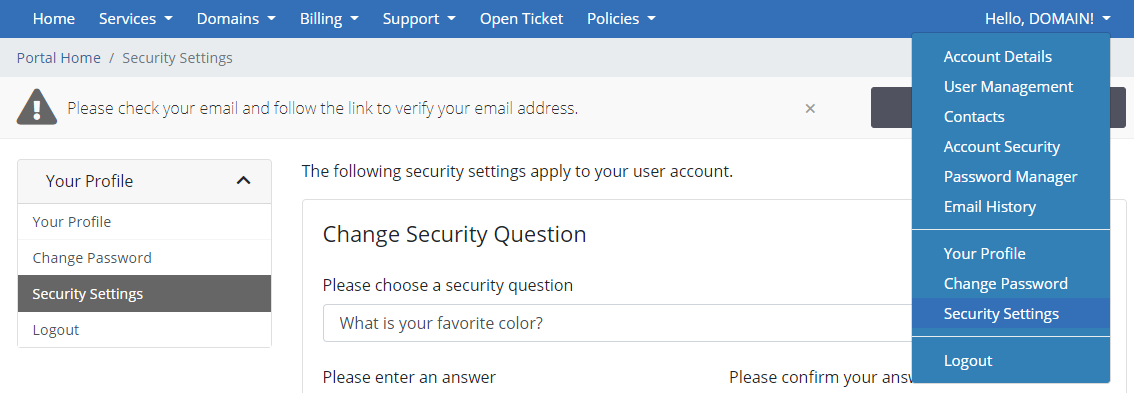
4. Two-Factor Authentication settings will be on the page.
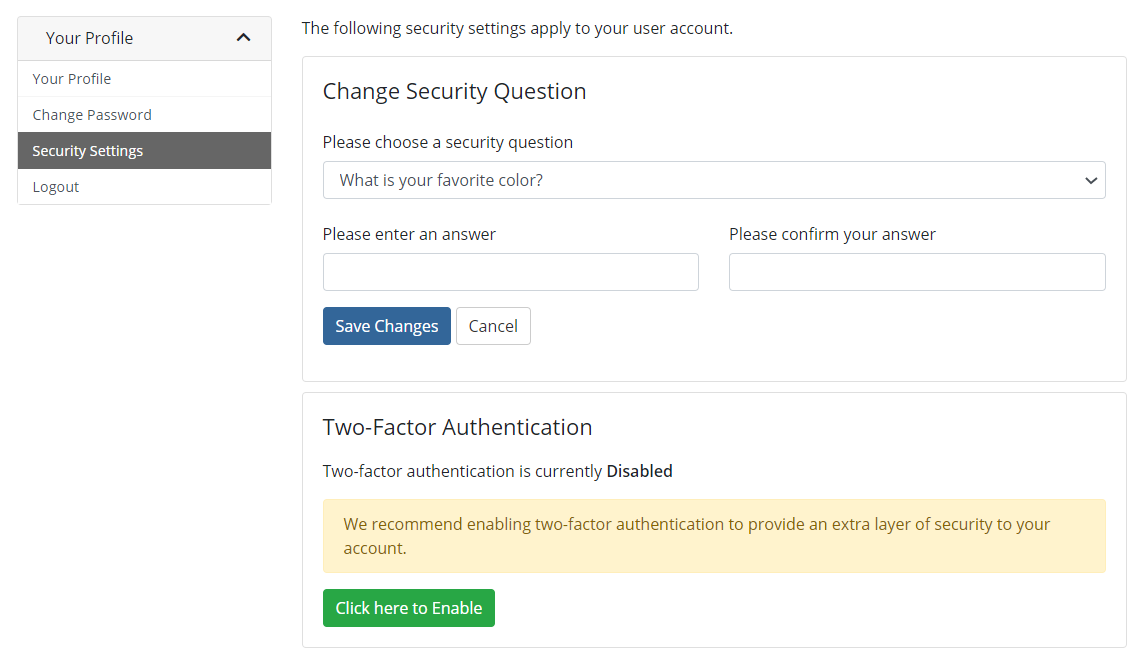
5. Simply Enable it and follow the instructions to setup Two-Factor Authentication.
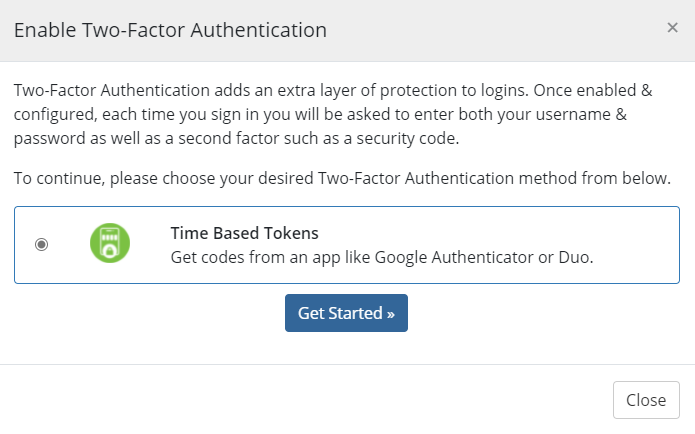
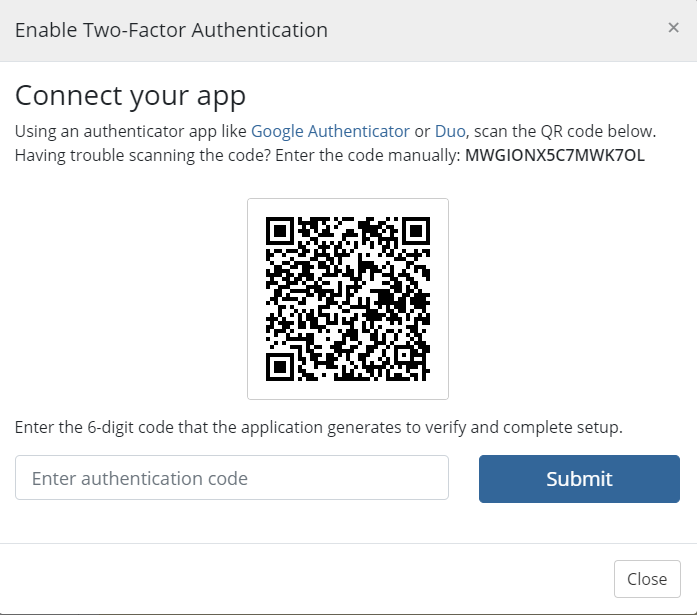
6. Download Google Authentication or Authy or DUO then scan the QR code. And enter the 6-digit code that the application generates to verify and complete setup.
As per usual, if you have any questions about this feature, please open a ticket with Service Desk.
Useful Link.
