Subject: How to login to Plesk
Login to Plesk
Plesk control panel is available via https://my.movaci.com and can be accessed following these steps:
- Navigate to https://my.movaci.com
- Login by entering your username and password

3. Select the Services Menu >> My Services

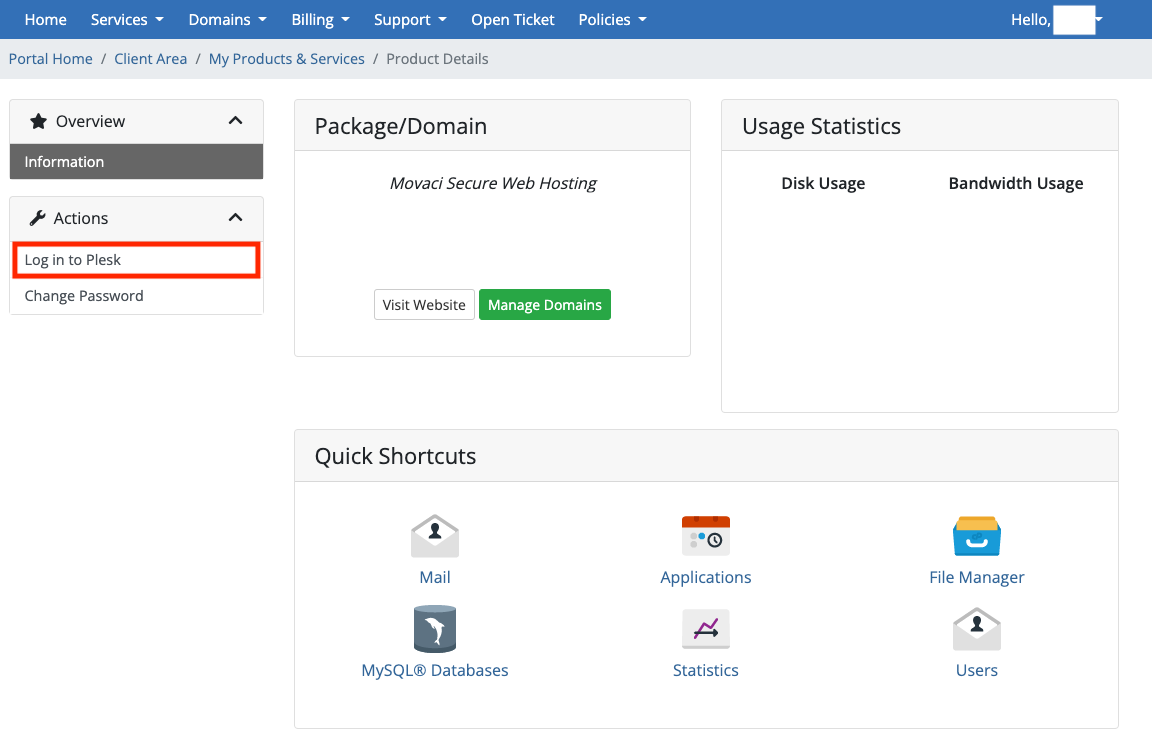
4. Select your Hosting Service (Don't click the domain name, just select the hosting product or the "Active icon")
5. Click "Login to Plesk" on the left pane