Subject: How to create a database
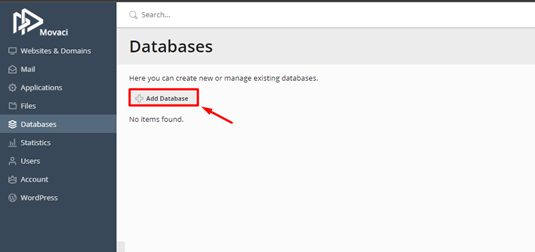
Here you can create new or manage existing databases.
- Login to client area by https://my.movaci.com and navigate to Product/Services then select your Plesk hosting service. Or you can learn more: How to login to Plesk [Insert Link]
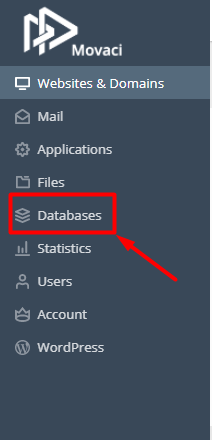
- Looking for Databases on the left pane and select
3.Click Add Database
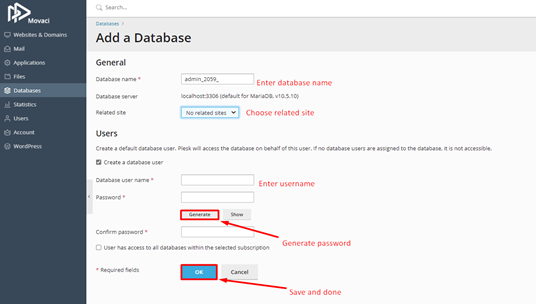
4.Please fill in all required fields with (*) to complete adding new database and creating new database user.