There are upcoming maintenance events which may impact our services. Learn more
Dev License: This installation of WHMCS is running under a Development License and is not authorized to be used for production use. Please report any cases of abuse to [email protected]

Plesk - How to change PHP Version Print

  • 207

 The below guide is the step to update your PHP version setting.

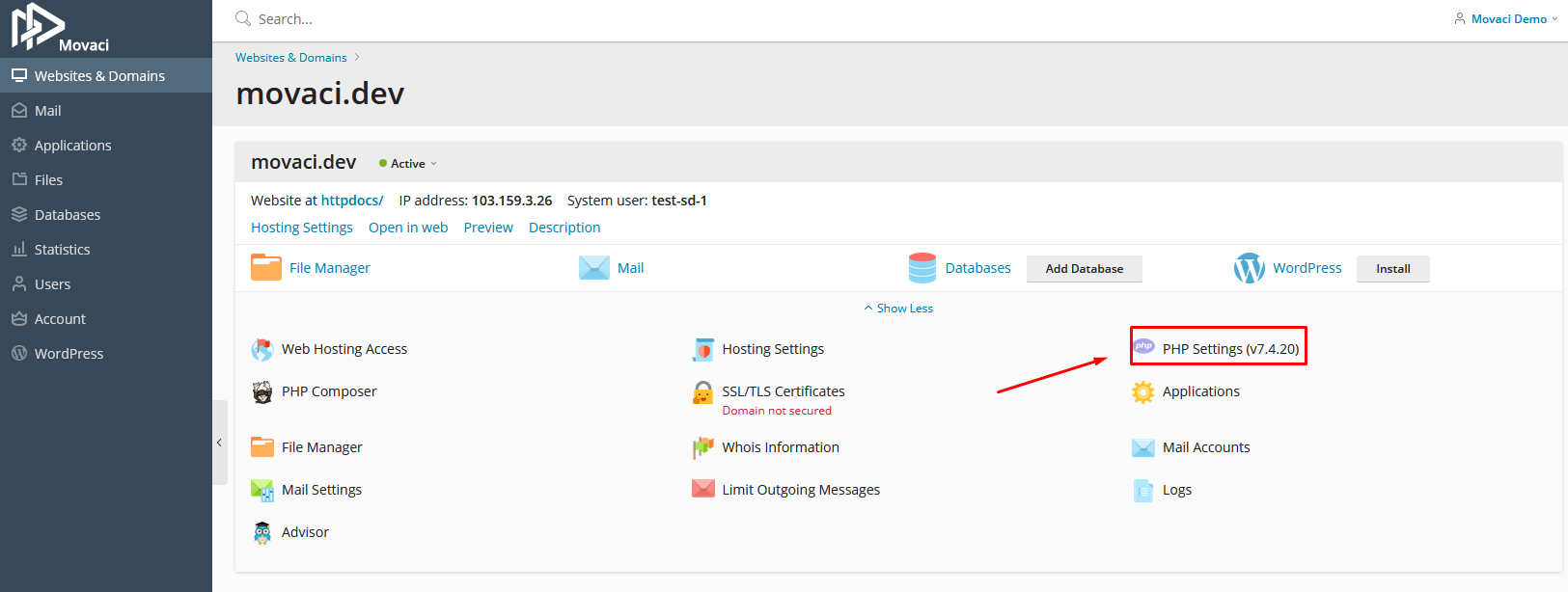
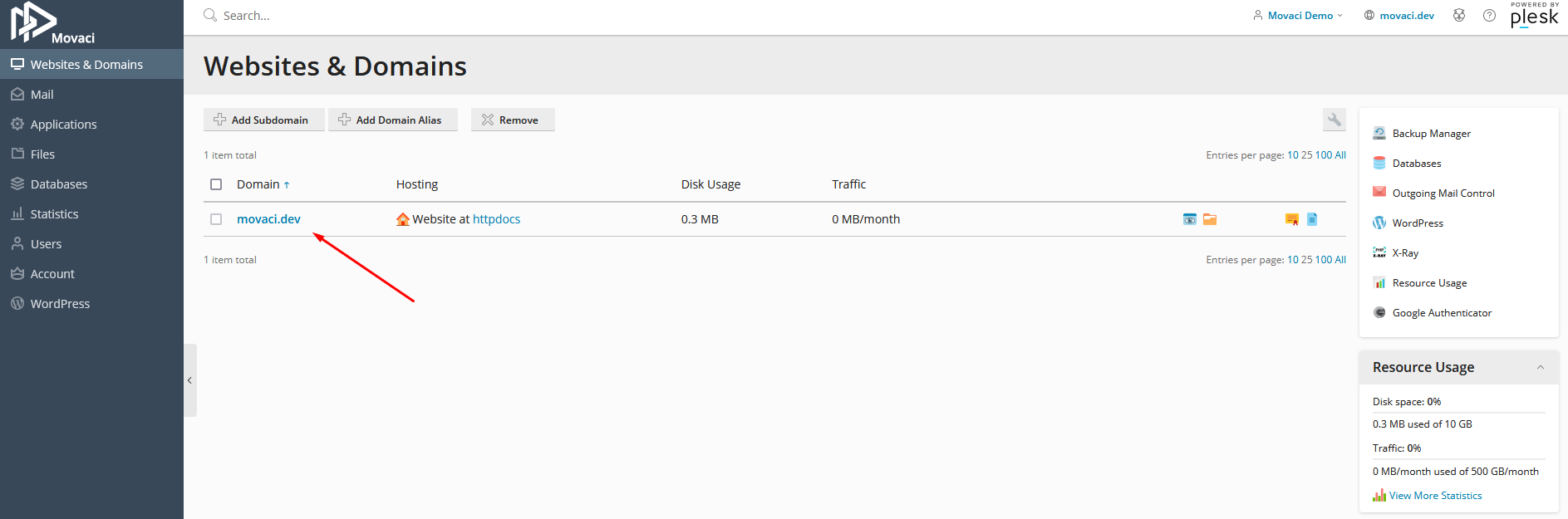
  1. Login to the Plesk control panel and click on the domain name to change the PHP version.
  1. Click on PHP Settings


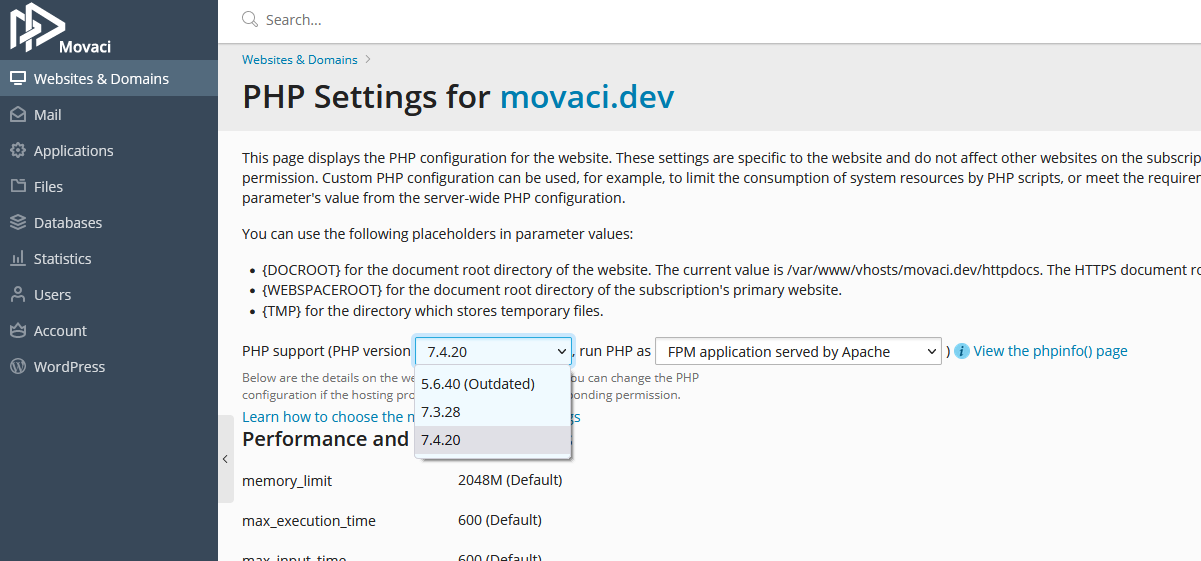
  1. Click on PHP Support Drop Down Box and choose PHP version that you need to use.
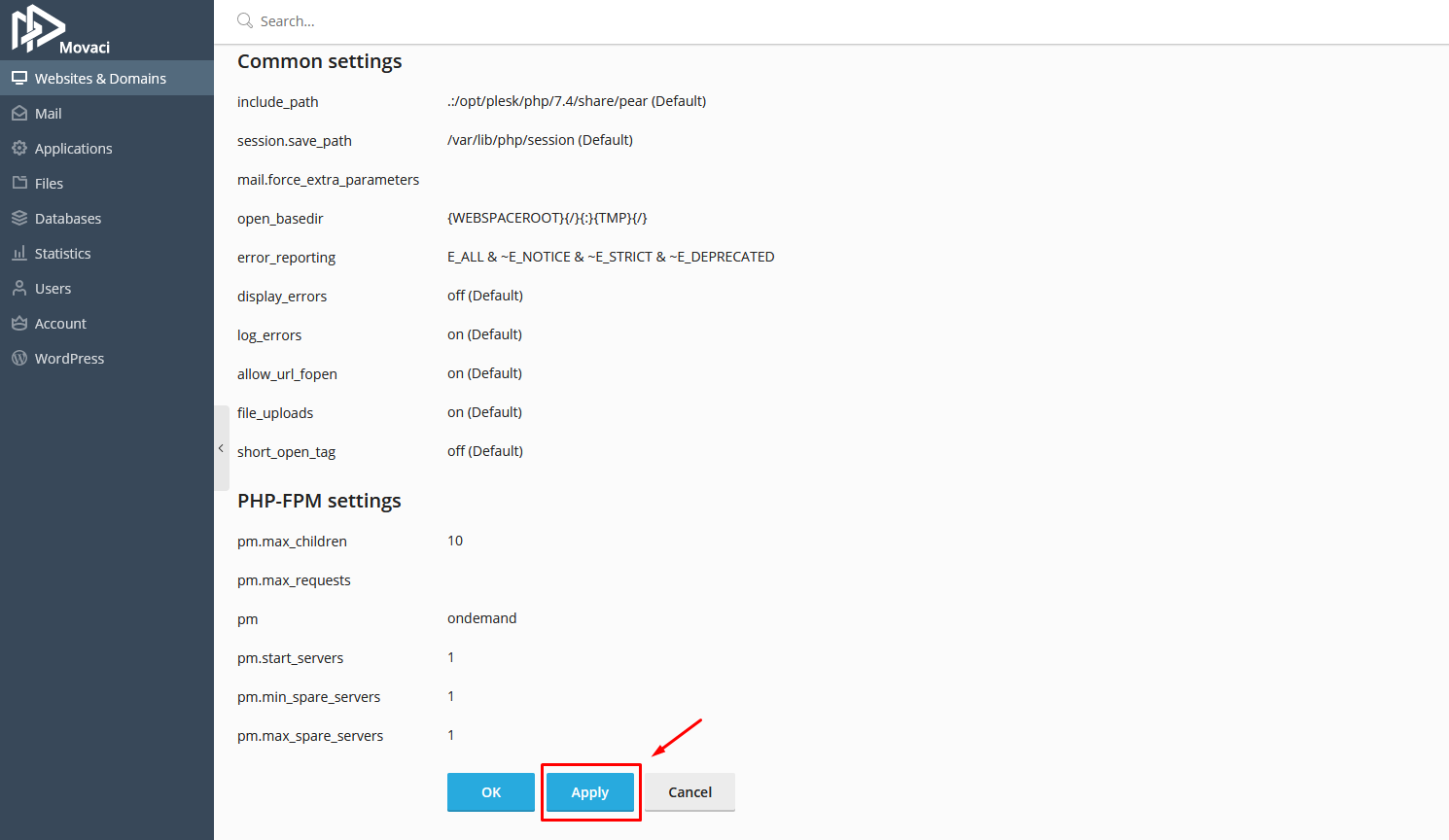
  1. Scroll down and click on Apply button.

Was this answer helpful?

« Back

Powered by WHMCompleteSolution