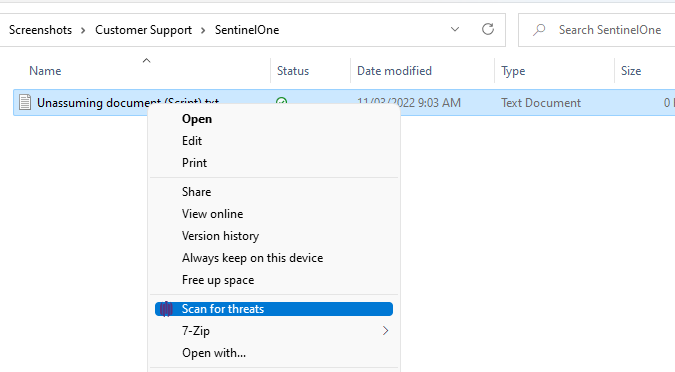
For MSSP customers that are using SentinelOne EDR, you can Scan a file or folder simply by right-clicking the target and selecting "Scan for Threats".
For highly suspicious links or documents, we recommend scanning them using https://virustotal.com
If you really need to open the file, use a Sandbox environment like Windows Sandbox. MAC OS Apps, if following best practice, are designed to run in a Sandbox mode. But of course allowing specific security permissions can break that, so only allow special permissions for trusted applications.