After accessing my.Movaci and you want to reset your password. Please try to follow our instructions below.
- Login to https://my.movaci.com.
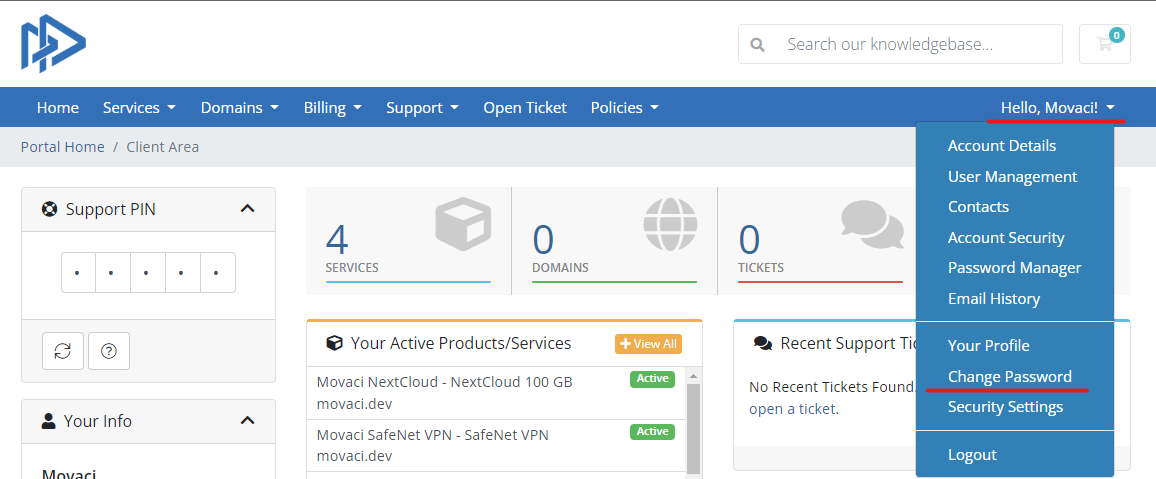
- Expand your user account menu.
- Select Change Password.
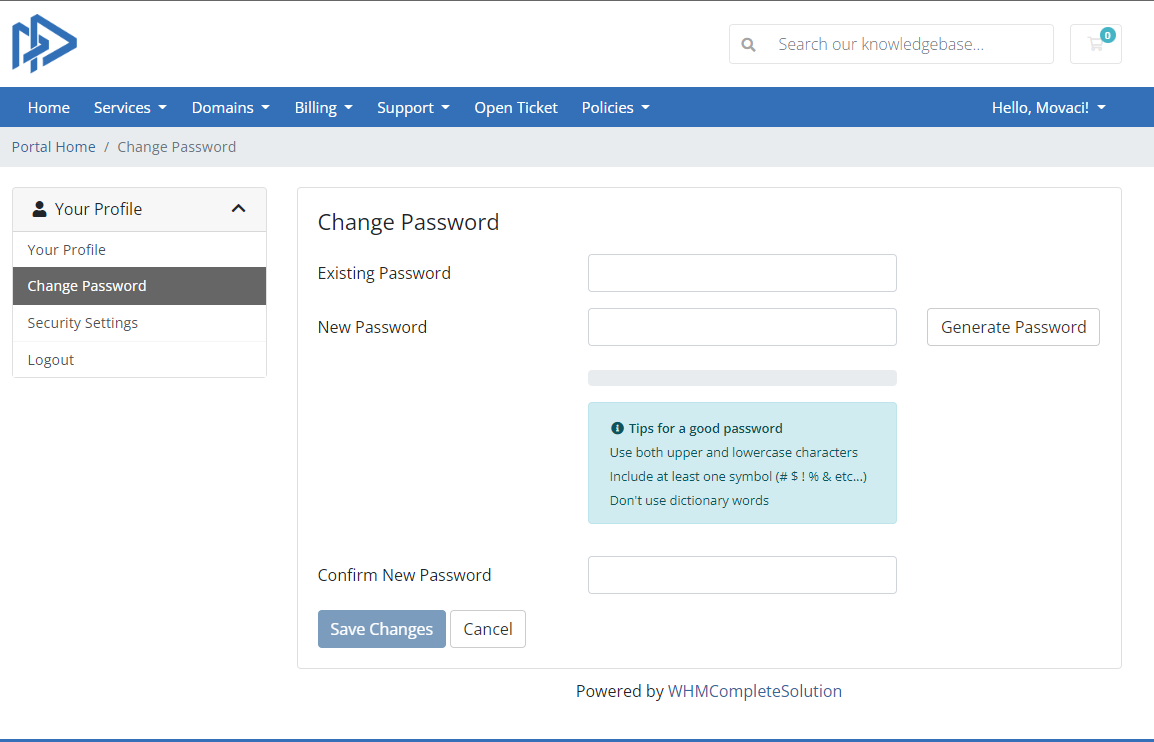
You can see the Change Password page. Please try to follow these step.
- Enter your existing password.
- Enter your new password and please try to follow the Tips for a good password for your security account.
- Confirm your new password again.
- Click on Save changes