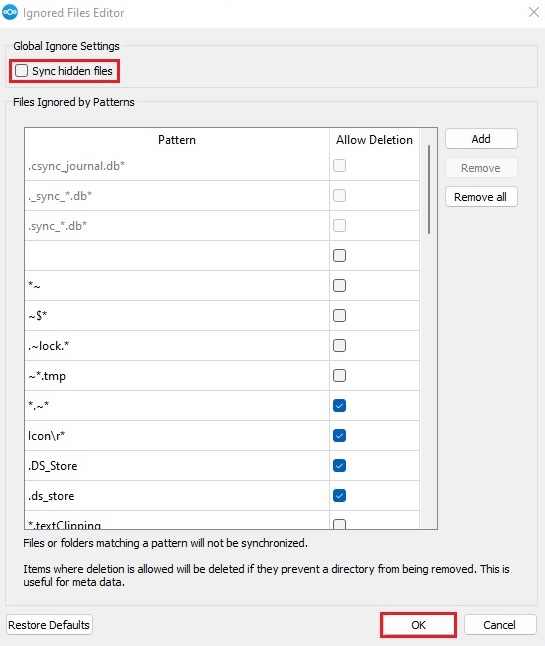
Following These steps to exclude the hidden file in Nextcloud Sync
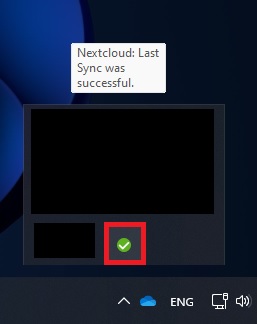
- Go to the icon tray bottom right corner and left-click on “NextCloud” icon.
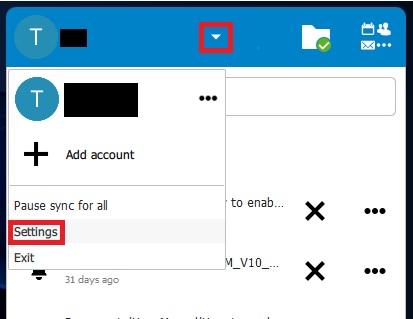
- Open your Account setting by click on the Drop down menu then click on settings
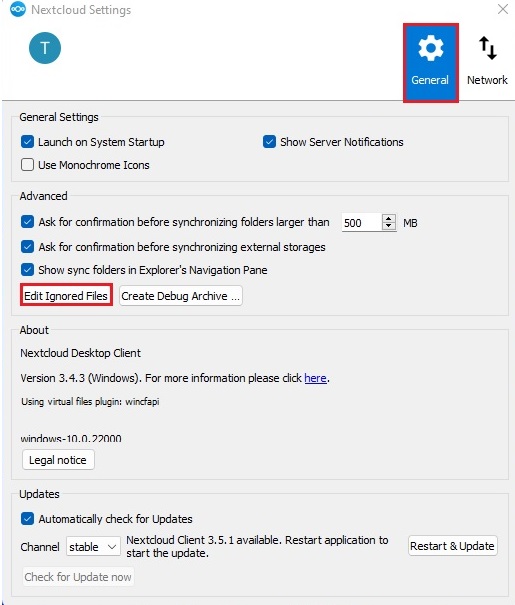
- Go to General >> Edit Ignored Files
- Un-check “Sync hidden files” and click “OK”