
How to download a backup of your website.
You can follow the step on this instruction.
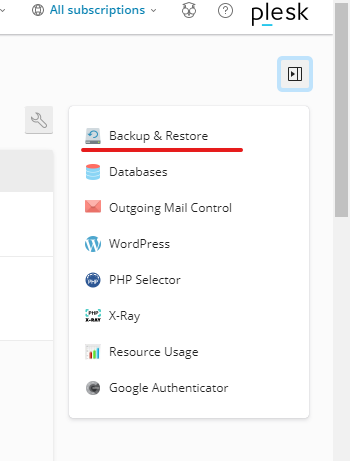
1. Go to your Plesk website > Click on the button (on the top right side of the screen) > Choose the Backup & Restore.
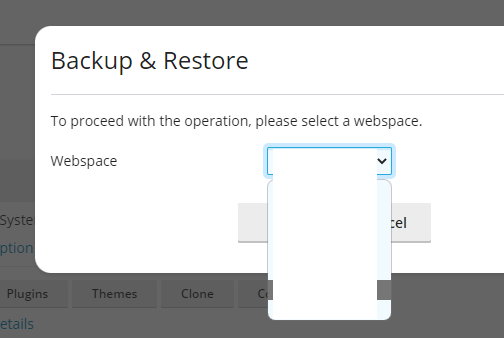
2. Choose the domain you want to backup & restore.
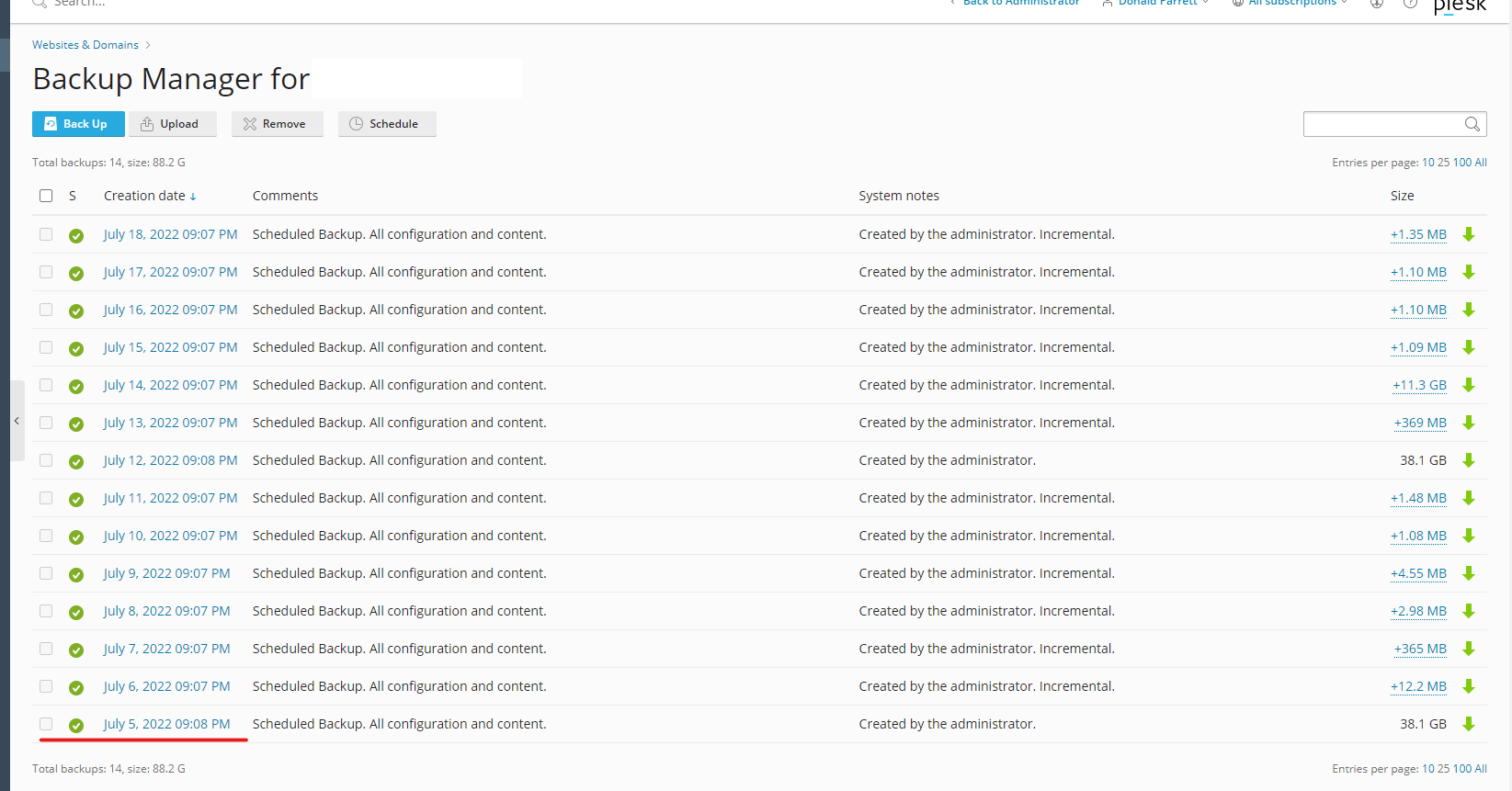
3. After that the screen will show you all the data you have on that domain > Click on the data you want to download.
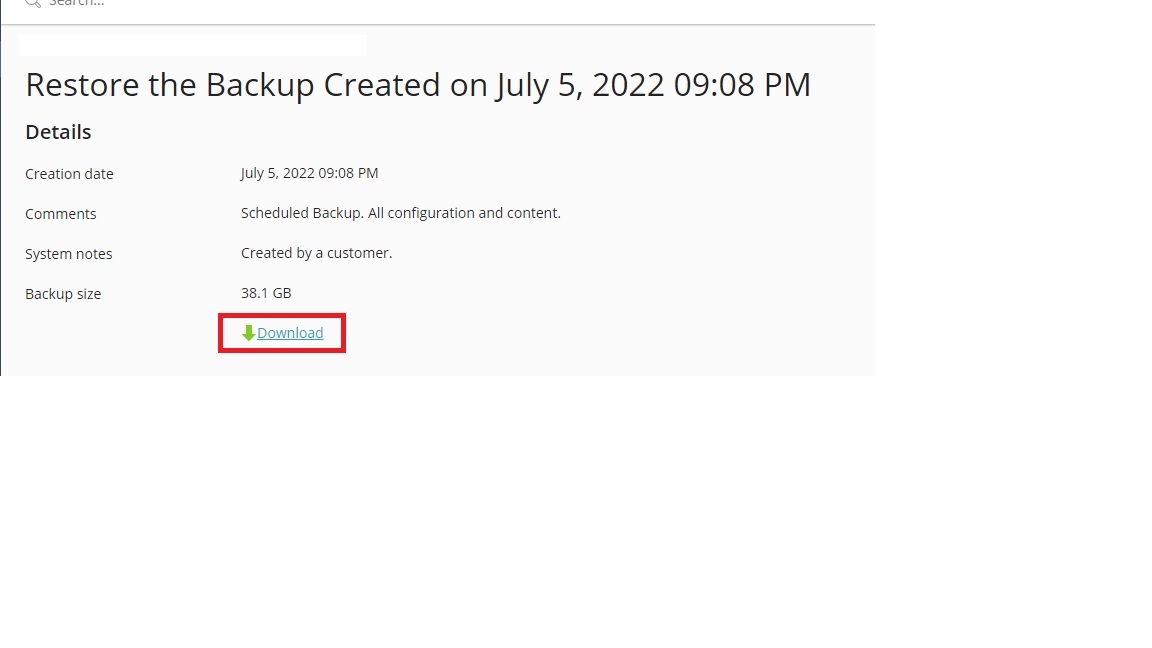
4. Then click on the download button.
Our team has unsuspended temporary for you to back up mt1914.com to other domains, please complete the process within 120 hours, before the system will automatically suspend back on.
