
Below is the step to clean up the email message that older than a year on your webmail
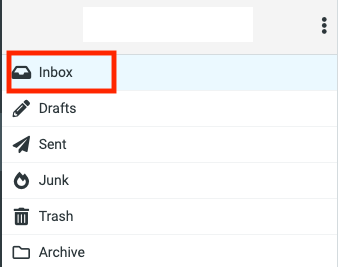
- Go to your Inbox Folder
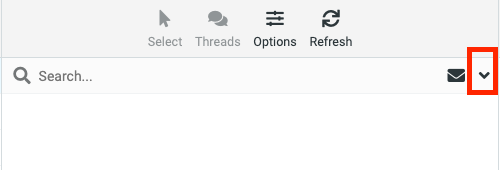
- Click on the Drop down icon to open the folder filter options
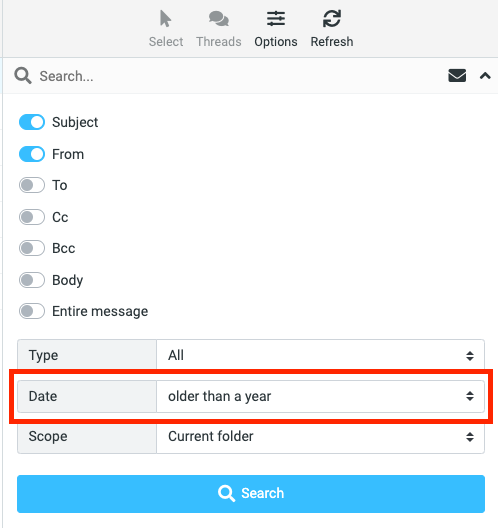
- Select Date "Older than a year" to filter email messages that are older than a year
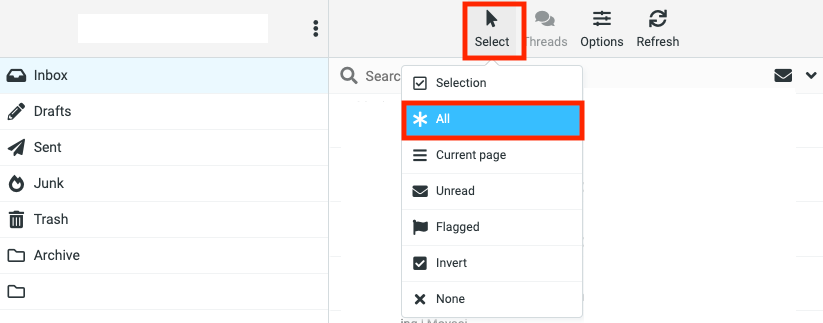
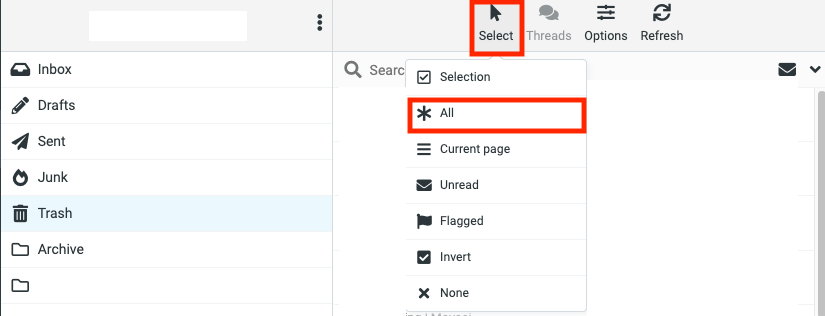
- Click on "Select" > "All"
- On the Email management pane, click "Delete" to move the selected email item to the Trash folder.

- Go to Trash Folder
- Click on "Select" > "All" in Trash Folder
- On the Email management pane, click on Delete to remove all selected Trash items.
