
There are upcoming maintenance events which may impact our services. Learn more
Dev License: This installation of WHMCS is running under a Development License and is not authorized to be used for production use. Please report any cases of abuse to [email protected]

Plesk - How user change an email password Print

  • 0

Below is the step to change your secure email password via the User Plesk Control Panel 

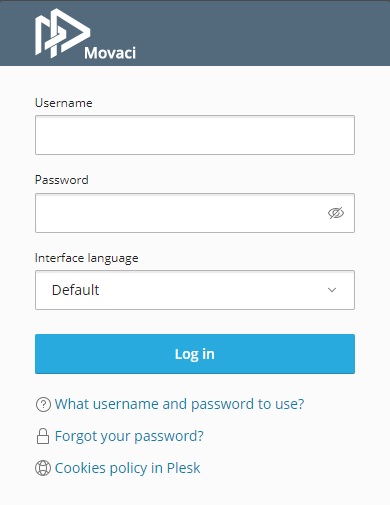
1. Go to your Plesk site URL and log in with your username and password. 


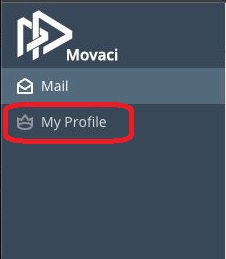
2. Click on My Profile on the left Pane.


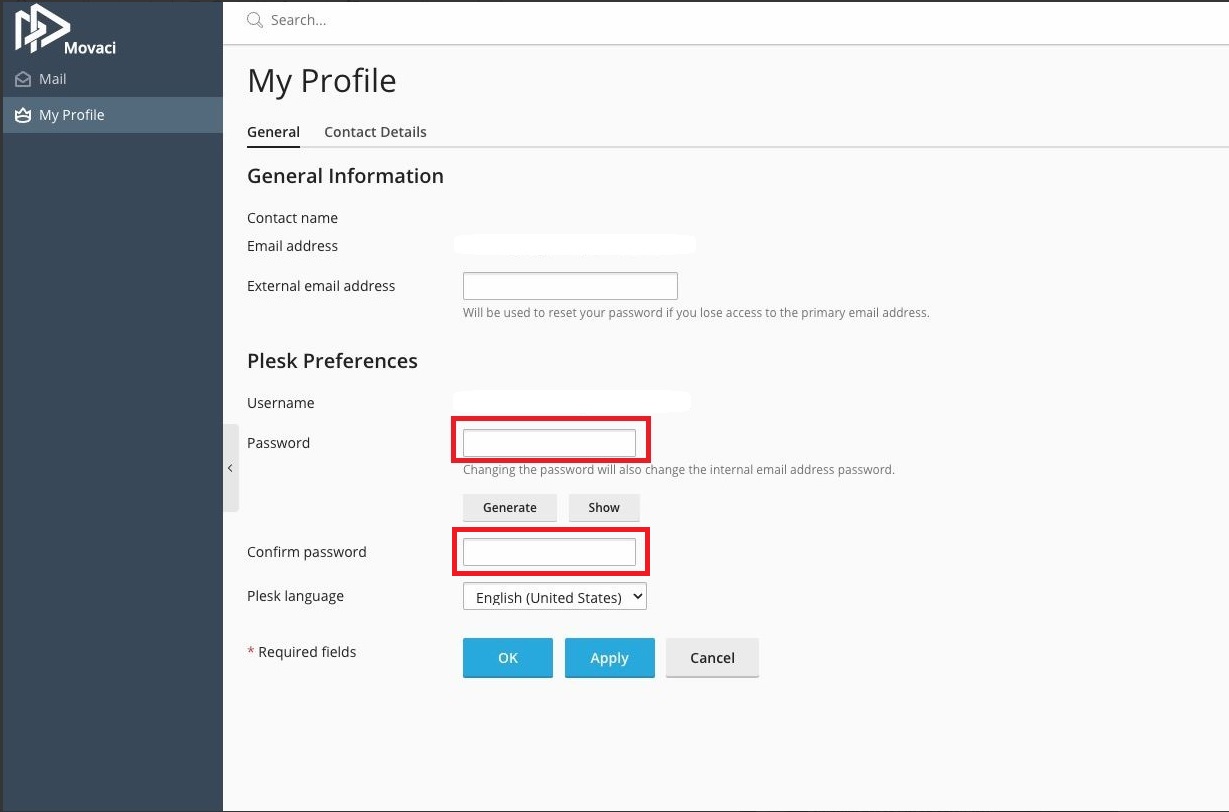
3. Enter your new password in both "Password and "Confirm Password" Then click "OK"


Was this answer helpful?

« Back

Powered by WHMCompleteSolution
