
Note: You should download Putty to follow these instructions: Download PuTTY - a free SSH and telnet client for Windows
If you require assistance beyond hosting, please contact Movaci Sales for a quote for our Managed services or an hourly rate.
- Log into my.Movaci
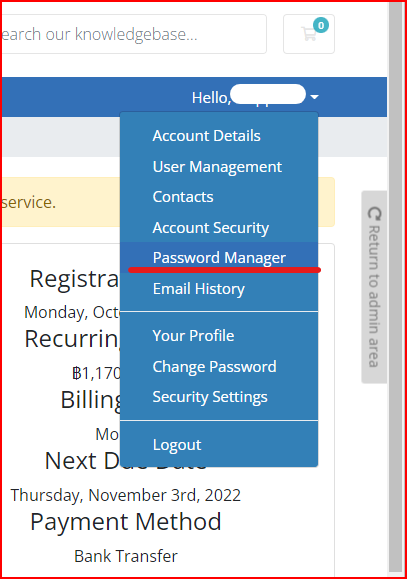
- Access your Password Manager
3. The password is stored under Products/Services Passwords
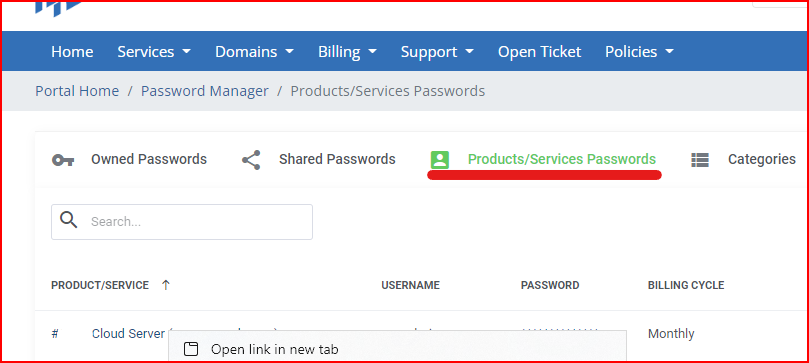
4. Right click the product and select open link in new tab
5. Scroll down on the product page, select Additional Information to find your servers IPv4 Address
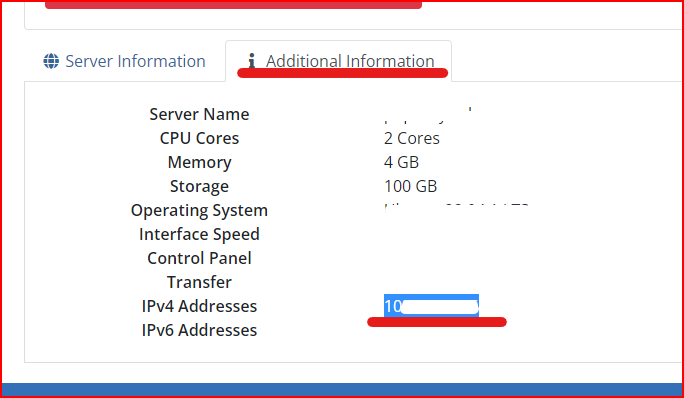
6. Use the password from step 3 to log in via SSH using the listed IP address and port 2222.
