
The step below will guide you through the process of resetting your secure email password using the webmail portal.
- Log in to your webmail
- Go to Setting

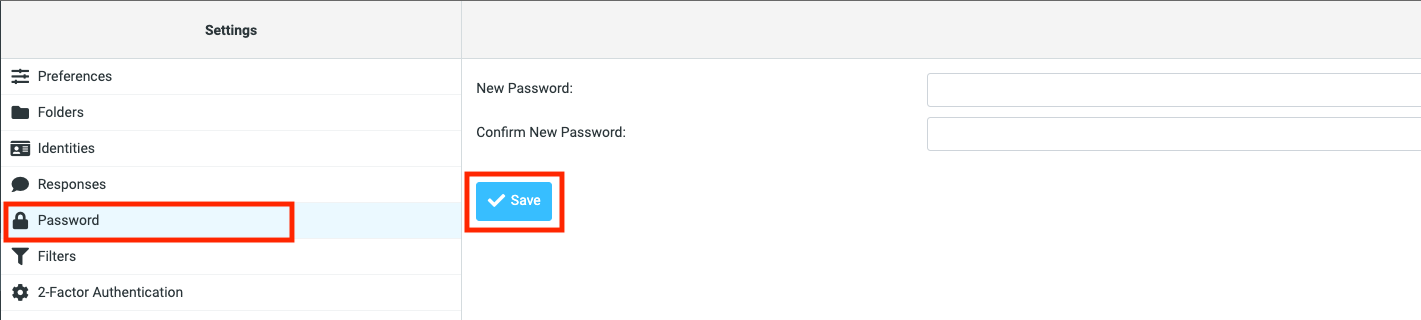
- Click on the "Password" option and enter the new password then click "Save"
The step below will guide you through the process of resetting your secure email password using the webmail portal.
Powered by WHMCompleteSolution
