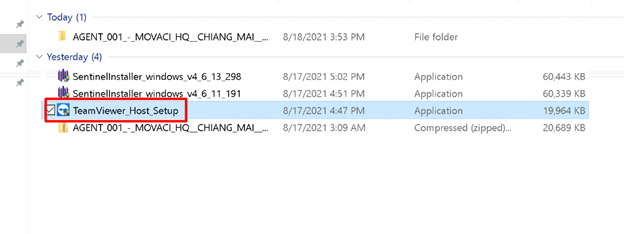
- Download the quick support from this link msl.to/rshost
2. Click to install.
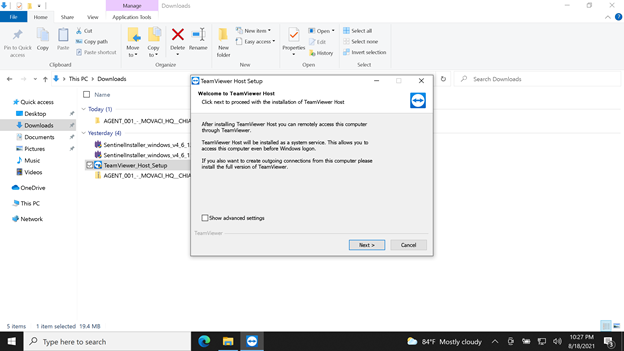
3. Click next
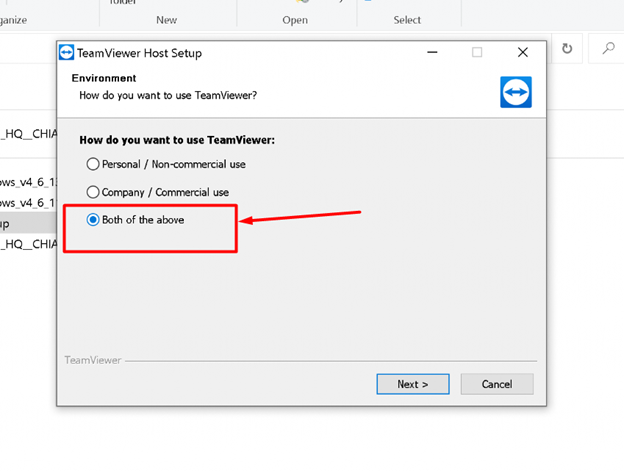
4. Check the "Both of the above" and click next.
5. Check accept and click next.
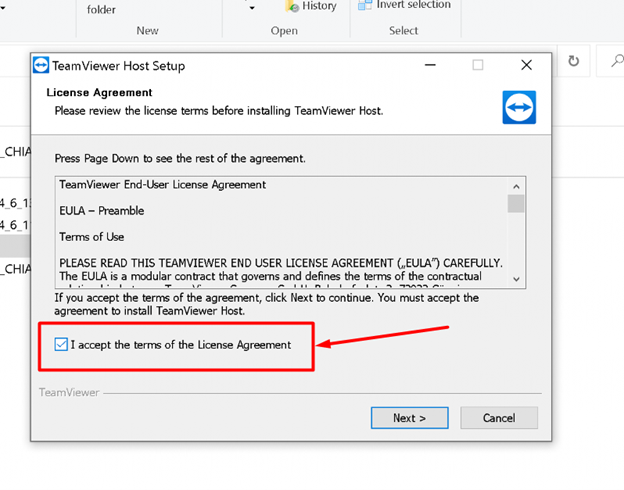
6. Movaci Remote Support Host will be finished setup.
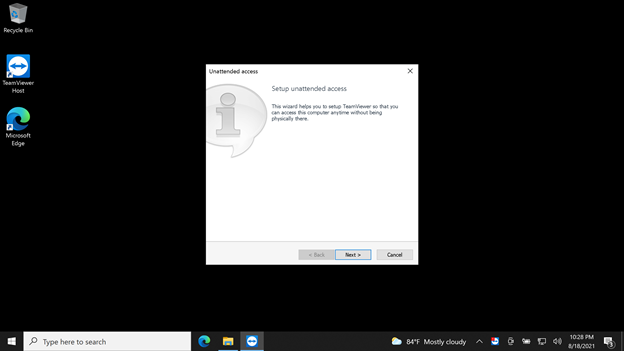
7. Unattended access will be pop up then click Next.
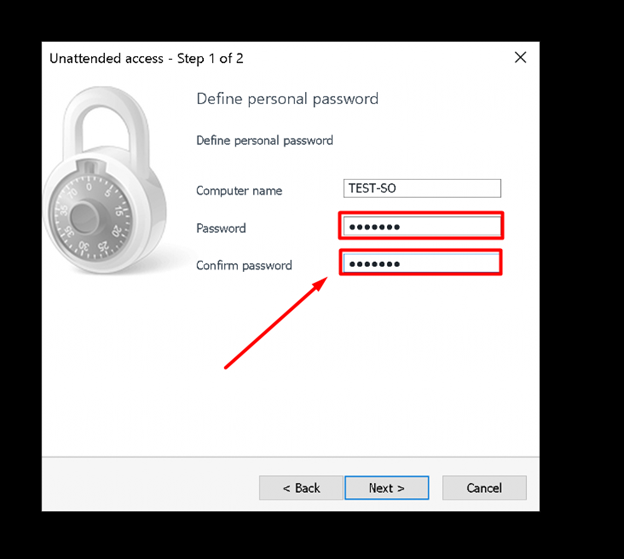
8. Create a password for unattended access and sent this password to us via ticket.
9. Complete setup by clicking Finish.
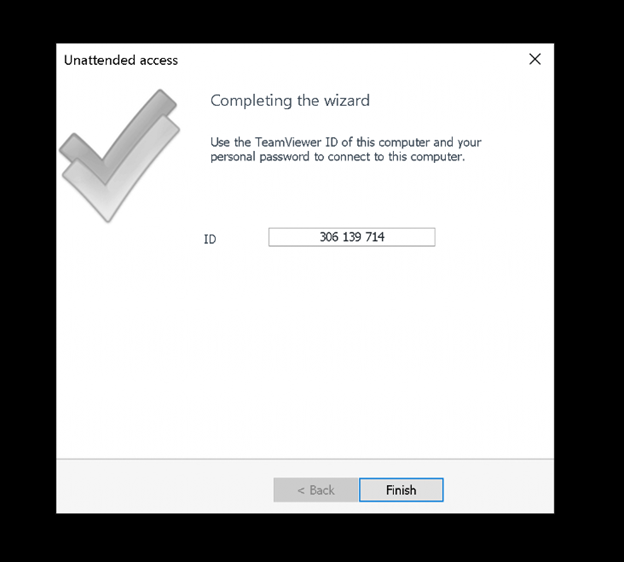
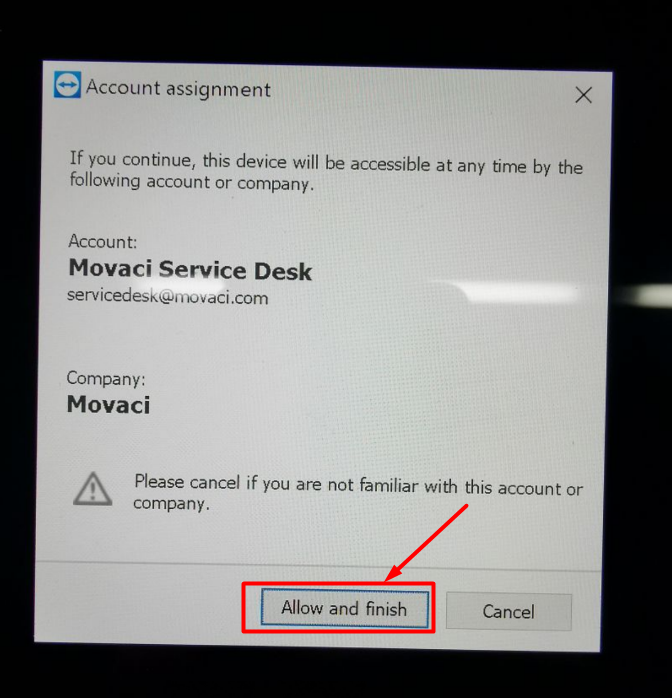
10. Wait for a while for this window pop up and click Allow and finish.