Movaci uses 1password to securely share passwords with customers. Below are the steps that can be followed to retrieve them.
- Open the shared link in the web browser.
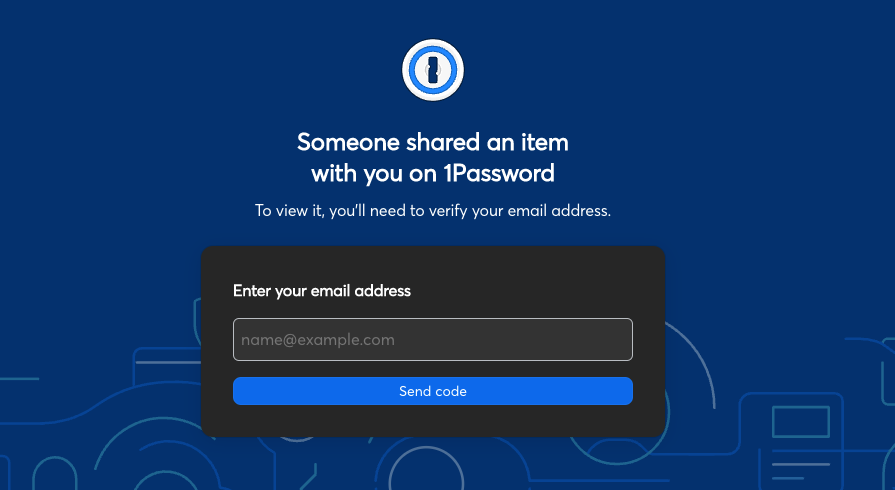
- Enter your my.Movaci registered email address.
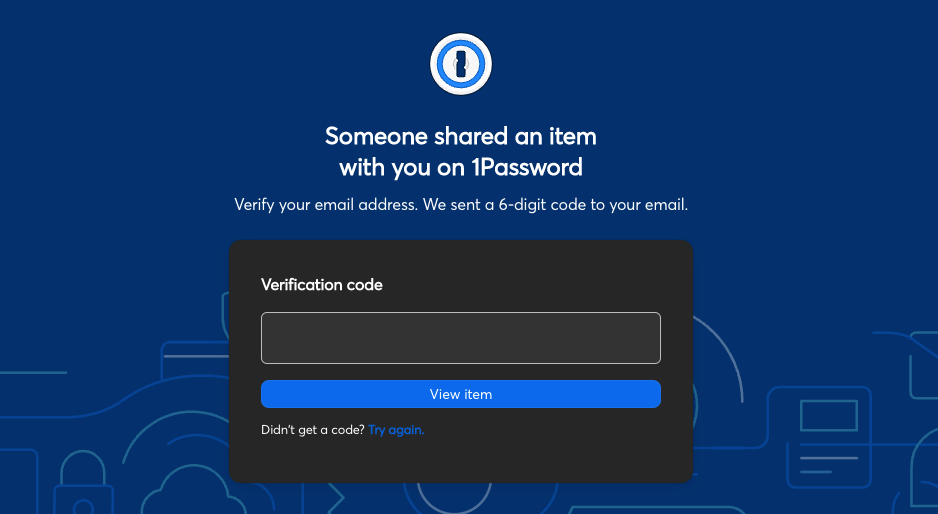
- After you select Send code, a verification code will be sent to your email. Enter the verification code on the verification page then select "View item".
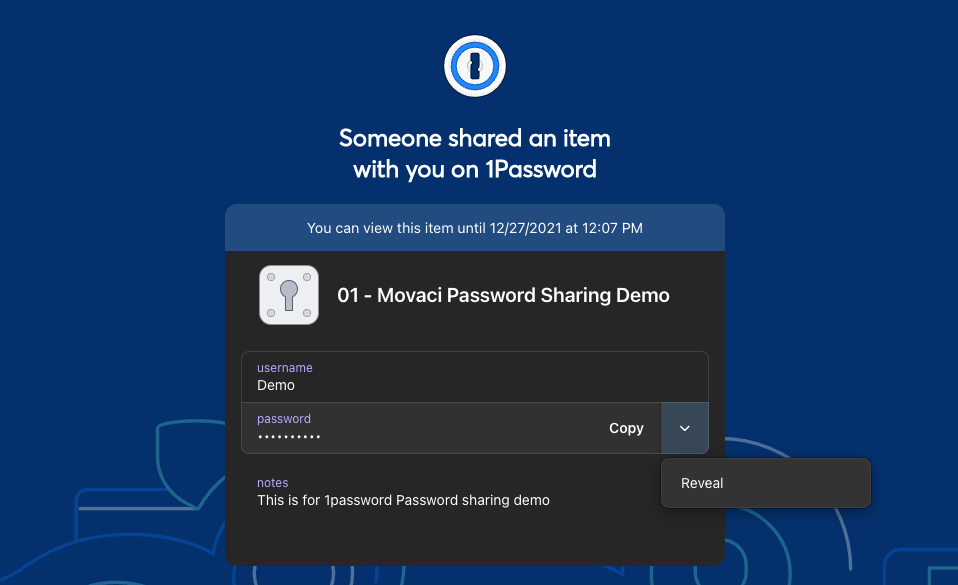
- The login details will be displayed. Select "Reveal" to Display your password