
Sometimes Movaci staff may share a password via my.Movaci's Password Manager feature.
- To access Password Manager, log into my.Movaci
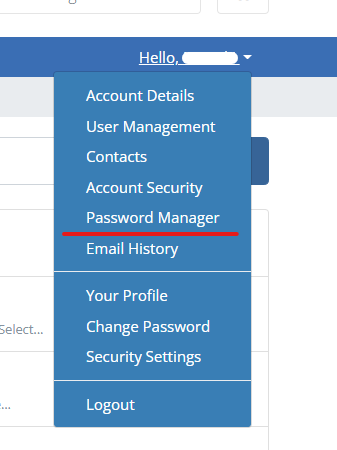
- Open the Account Management Menu labeled "Hello <customer>!"
- Select Password Manager
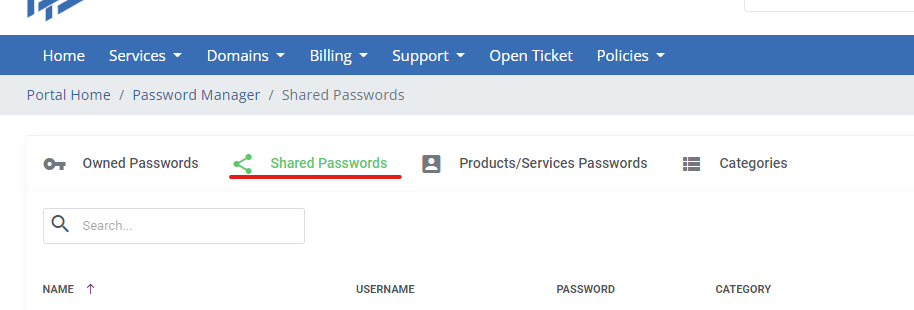
- Select Shared Passwords
Sometimes Movaci staff may share a password via my.Movaci's Password Manager feature.
Powered by WHMCompleteSolution
